 Audio Master
One-click auto mastering
Pick a style - Balanced, Warm, Bright, Powerful or Vocal focus - and where it is going (streaming, Apple Music, loud, club). That's it.
Audio mastering app for Android and Windows
Open a track, pick a style and a loudness target. Audio Master analyses tone, dynamics and loudness, shapes your song for streaming, and checks true peak and platform loudness before you release it.
Nothing is uploaded · English · 한국어 · 日本語 · 中文
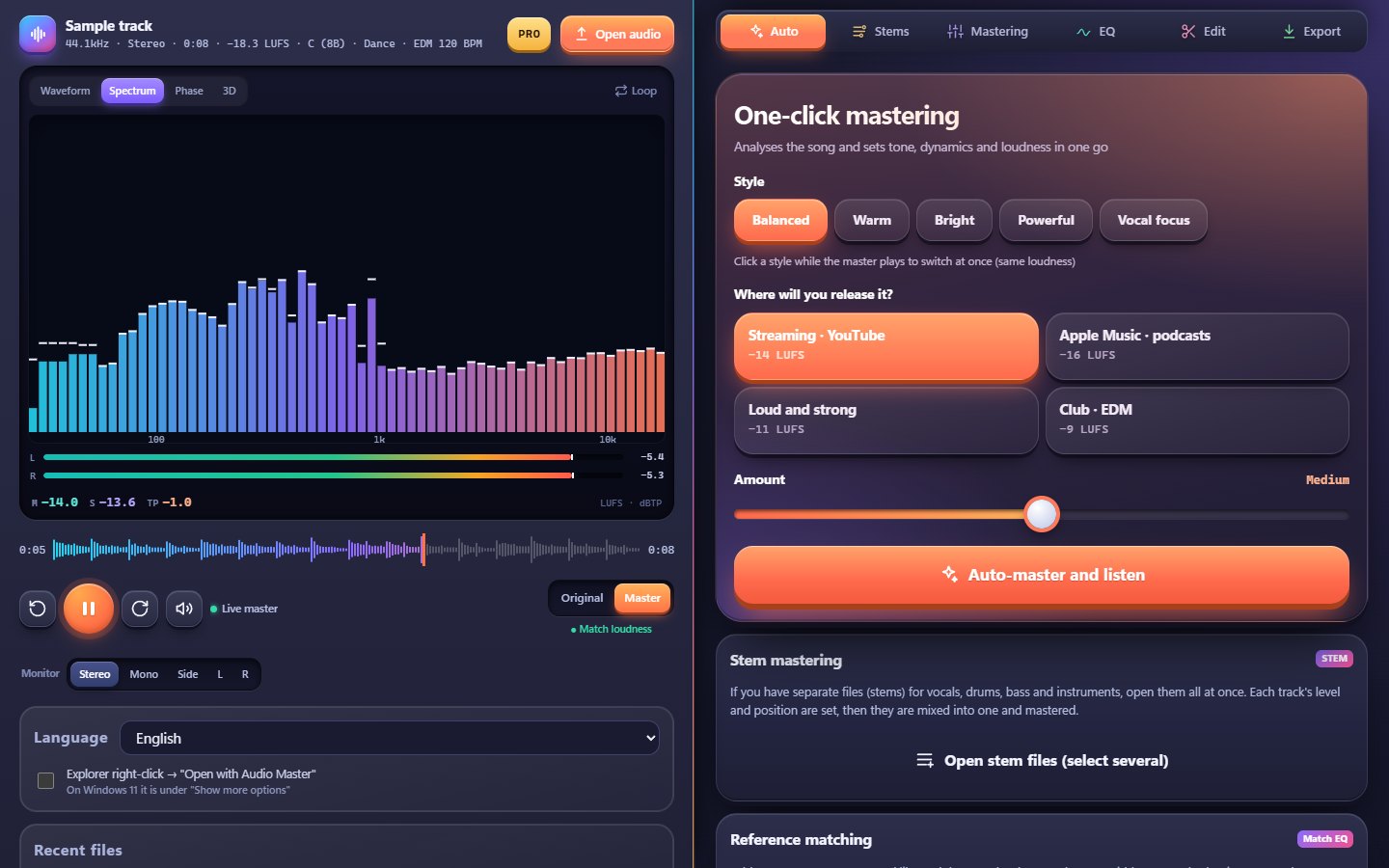
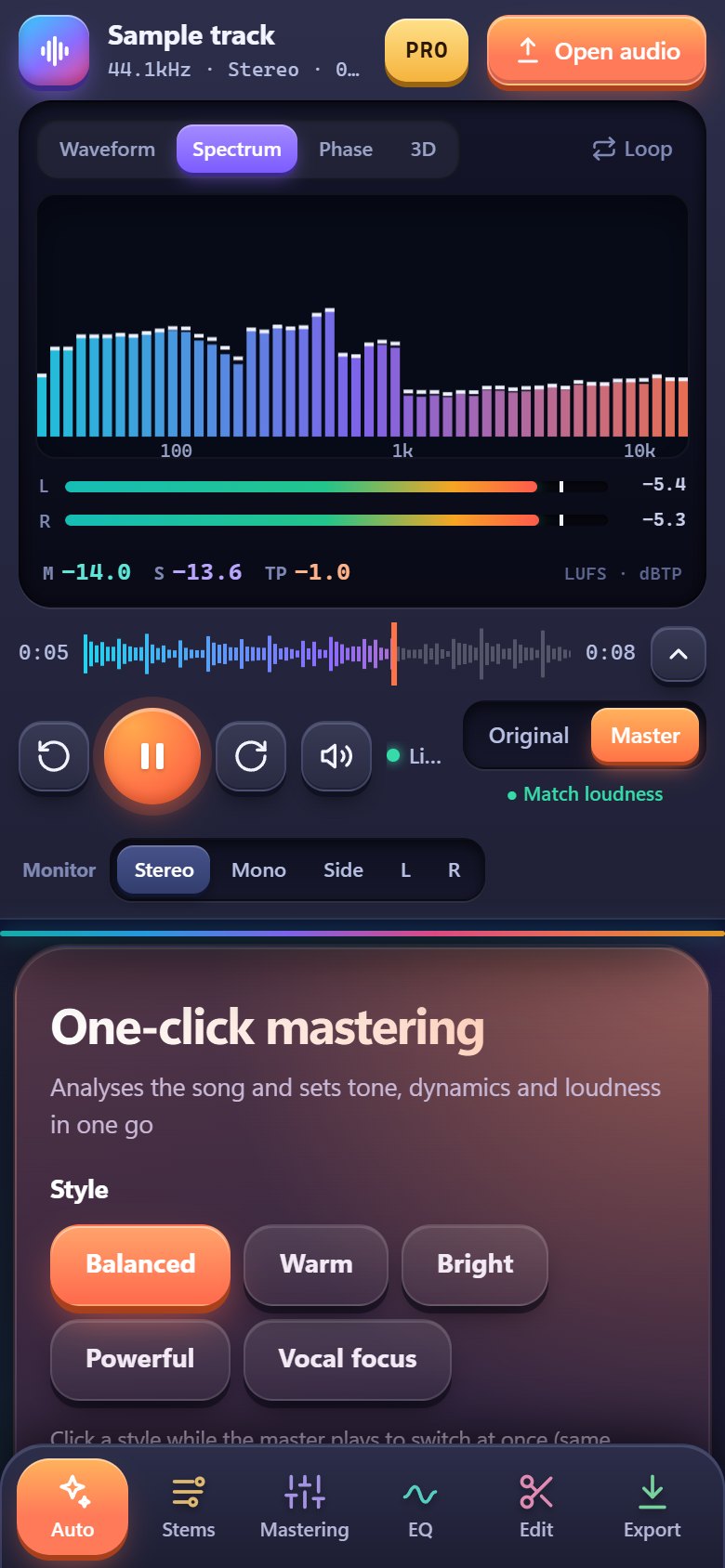
Let it work automatically or adjust every stage yourself. While you listen, switch between original and master at the same loudness.
Pick a style - Balanced, Warm, Bright, Powerful or Vocal focus - and where it is going (streaming, Apple Music, loud, club). That's it.
True peak, integrated loudness, dynamics (PLR), mono compatibility, low-end phase, clipping, DC offset and silence at the start and end - at a glance.
See how much Spotify, Apple Music, YouTube, Amazon Music, TIDAL, Deezer and SoundCloud will turn your track down - and hear it that way.
Load vocals, drums, bass and instruments as separate files, set their level and position, then mix and master them together.
Load a song you love: Audio Master compares tone (10-band spectrum), loudness and stereo width and moves your track towards it. Compare both at matched loudness.
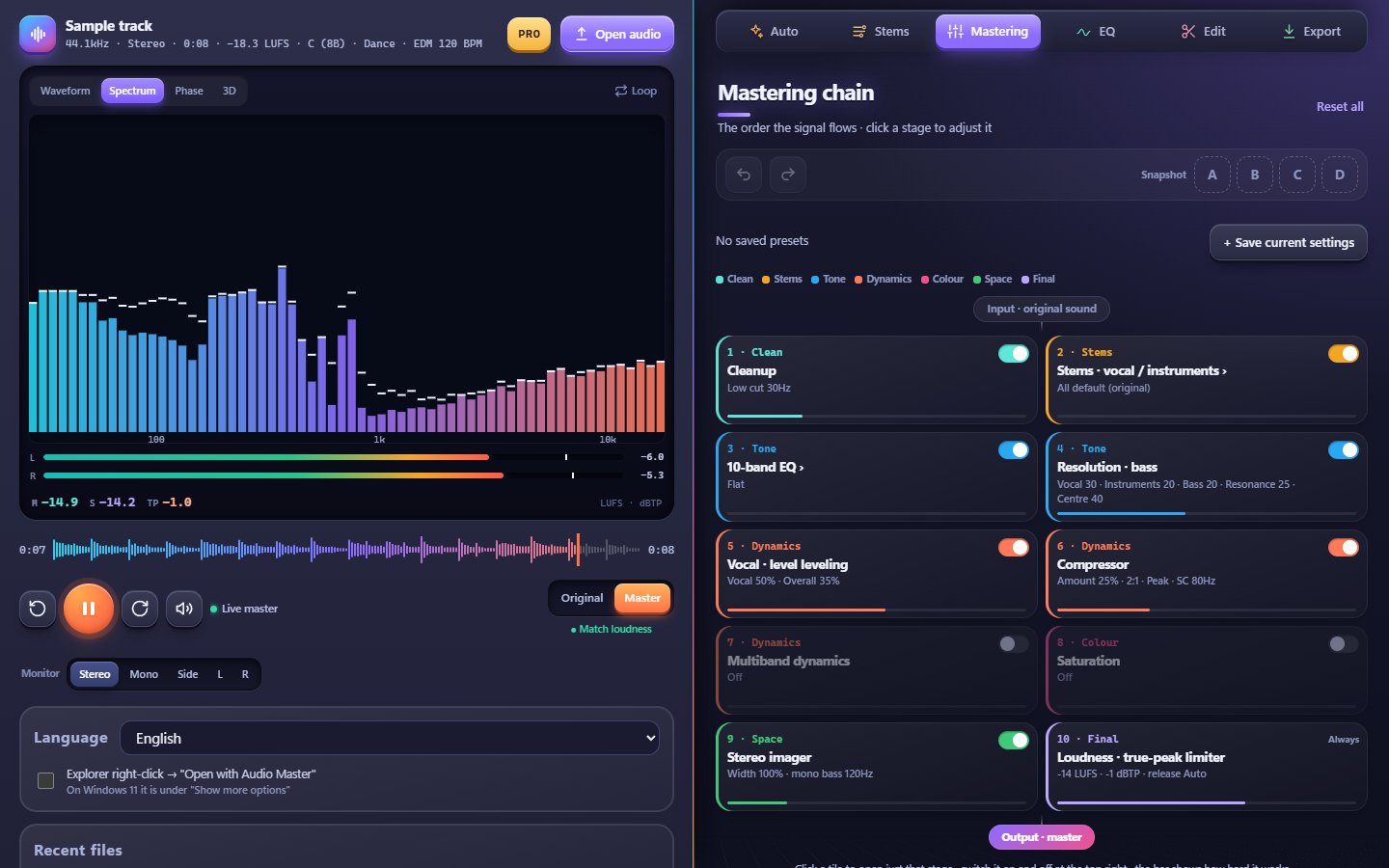
Cleanup, 10-band EQ, vocal leveling, compressor, multiband dynamics, saturation, stereo imager and a true-peak limiter, in signal order. "Remember my preferences" learns the adjustments you make most.
Trim the start and end, fade in and out, select a section and change the speed while looking at the waveform.
Switch between original and master at the same loudness, watch spectrum, phase and 3D views with LUFS and true-peak meters, and listen in mono, side, L or R.
MP3 192 or 320 kbps, AAC, WAV 16, 24 or 32-bit (up to 96 kHz) and FLAC 16 or 24-bit, with the expected size and final loudness shown before you save.
Open an MP3, WAV, FLAC or M4A file. On Windows, drop it on the window or open it straight from File Explorer.
Choose a style and where it is going, then press "Auto-master and listen". Compare original and master at the same loudness.
Look over the release check and platform loudness, then save in the format you need.
On Windows the player and the panels sit side by side; on a phone everything fits one hand.
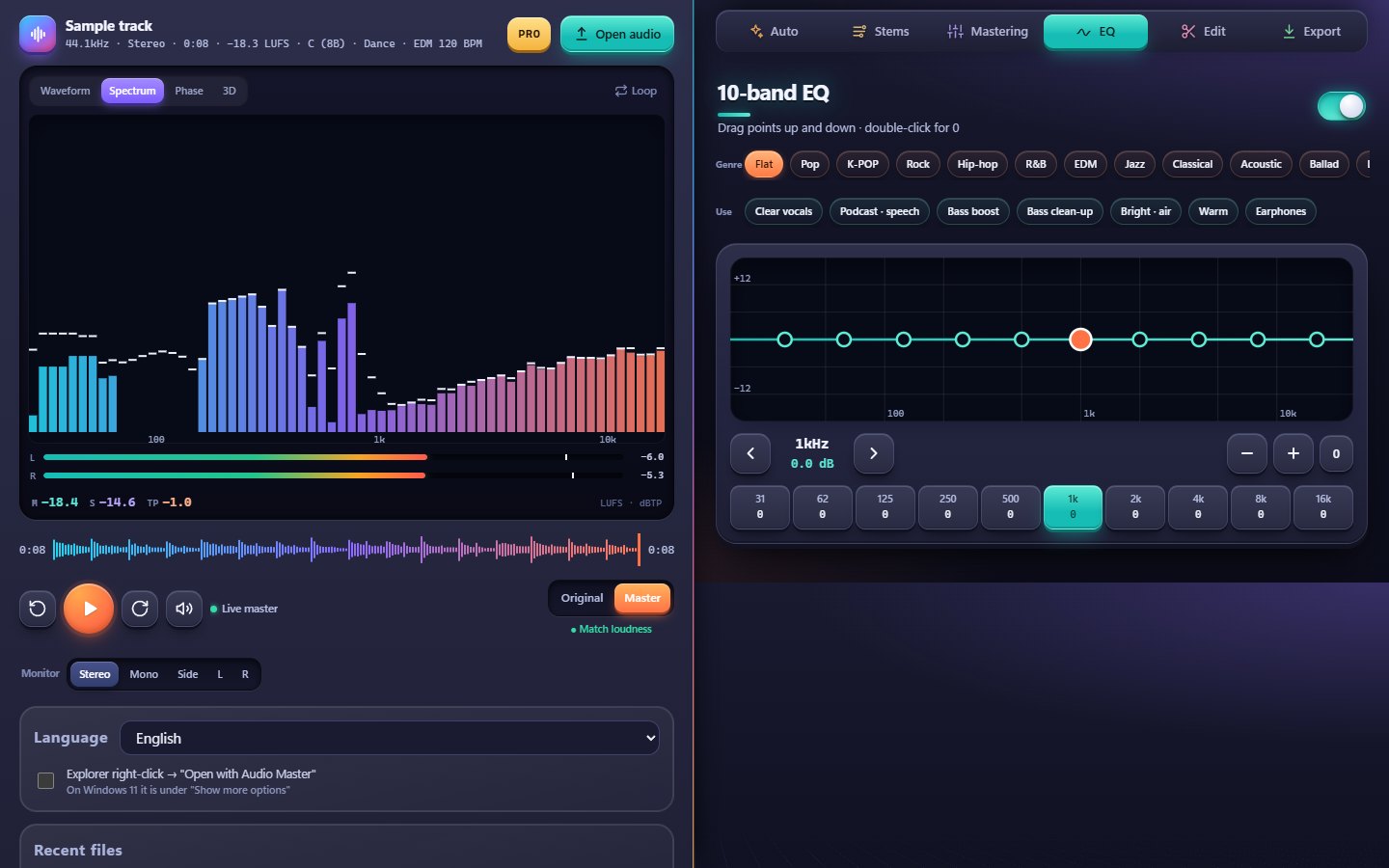
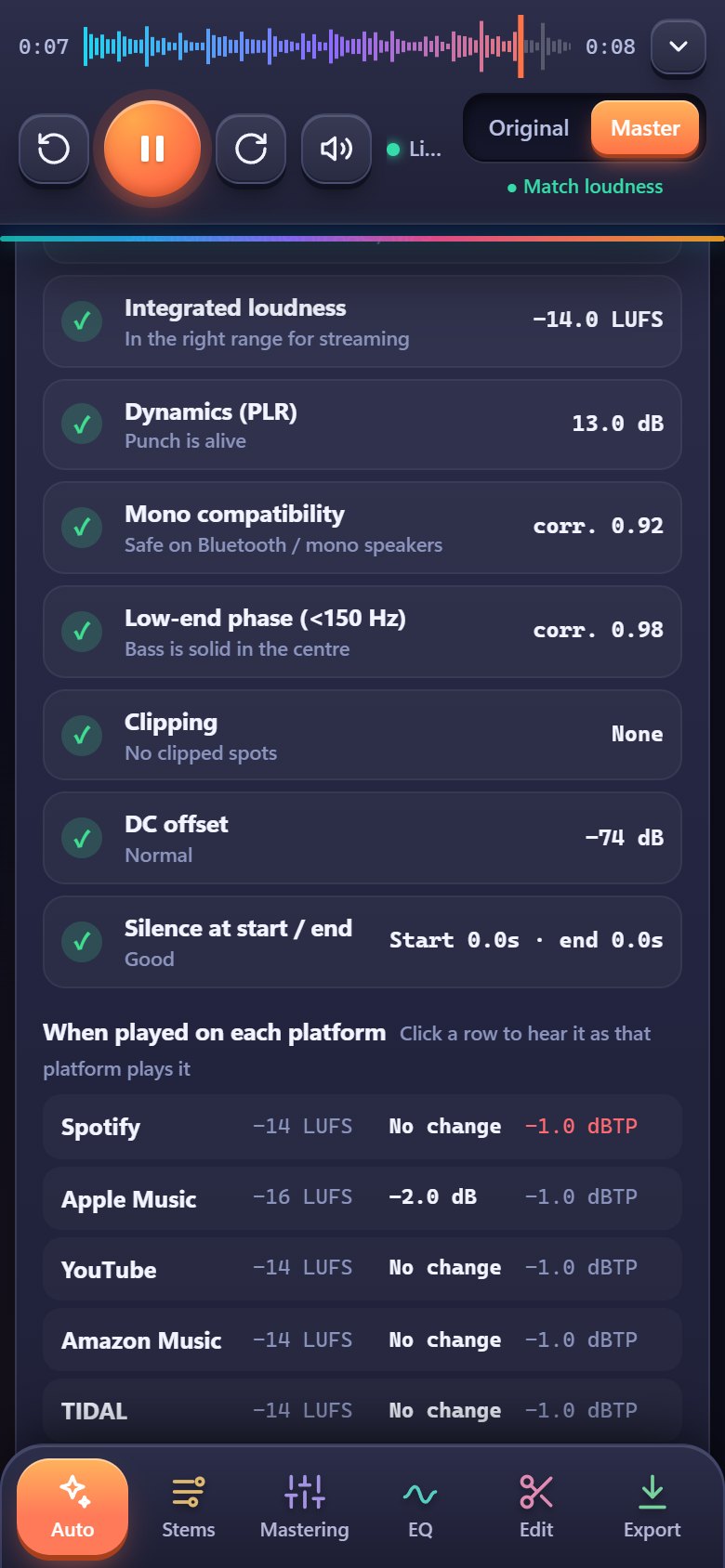
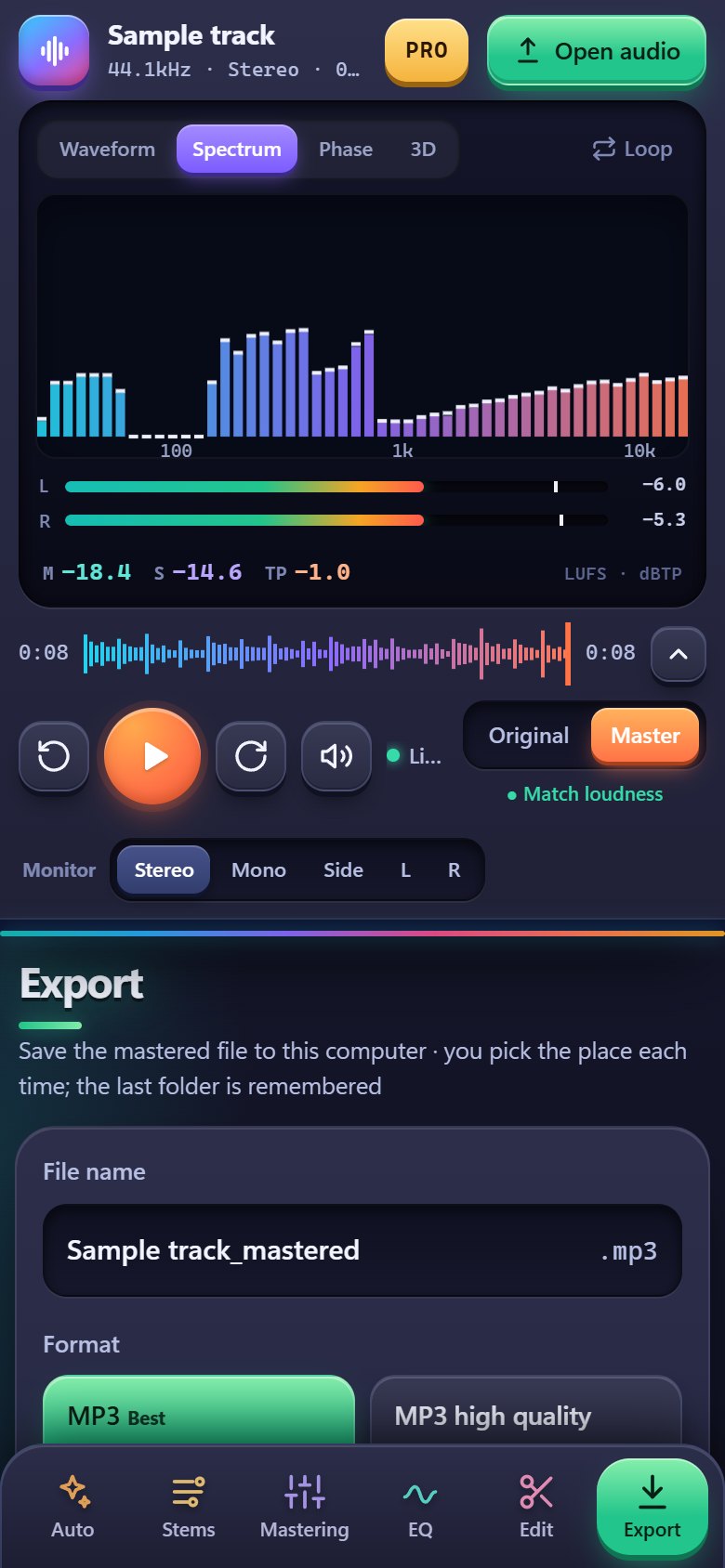
Google Play on your phone, a single file on your PC.
If "Windows protected your PC" appears on the first start, click "More info", then "Run anyway".
Analysis, mastering and export all happen on your phone or PC. No waiting for uploads, and unreleased songs stay private. Details in the privacy policy (Korean).
The Android app is free to start; more saves, high-resolution formats and advanced tools come with a PLUS or PRO subscription. The Windows version is a free download.
No. Analysis, mastering and file export all run on your phone or PC; your audio never leaves the device.
It opens MP3, WAV, FLAC, M4A (AAC), OGG, MP4 and more, and saves MP3 (192 or 320 kbps), AAC, WAV (16, 24 or 32-bit, up to 96 kHz) and FLAC (16 or 24-bit).
Yes. Choose Streaming / YouTube (-14 LUFS), Apple Music / podcasts (-16 LUFS), Loud and strong (-11 LUFS) or Club / EDM (-9 LUFS). It also shows how much Spotify, Apple Music, YouTube and others will turn your track down.
Windows 10 or 11 with Google Chrome (or Microsoft Edge, which comes with Windows). No installer: unzip it and run AudioMaster.exe.
The program is not code-signed yet, so SmartScreen may ask on the first start. Click "More info", then "Run anyway".